Everything Relic can do.
Relic looks simple: copy something, get it back later. Underneath is everything it takes to find, sync and protect what you copy. Here's the whole thing.
Every feature below has a “How it works” link into the guide, with the real screens and shortcuts.
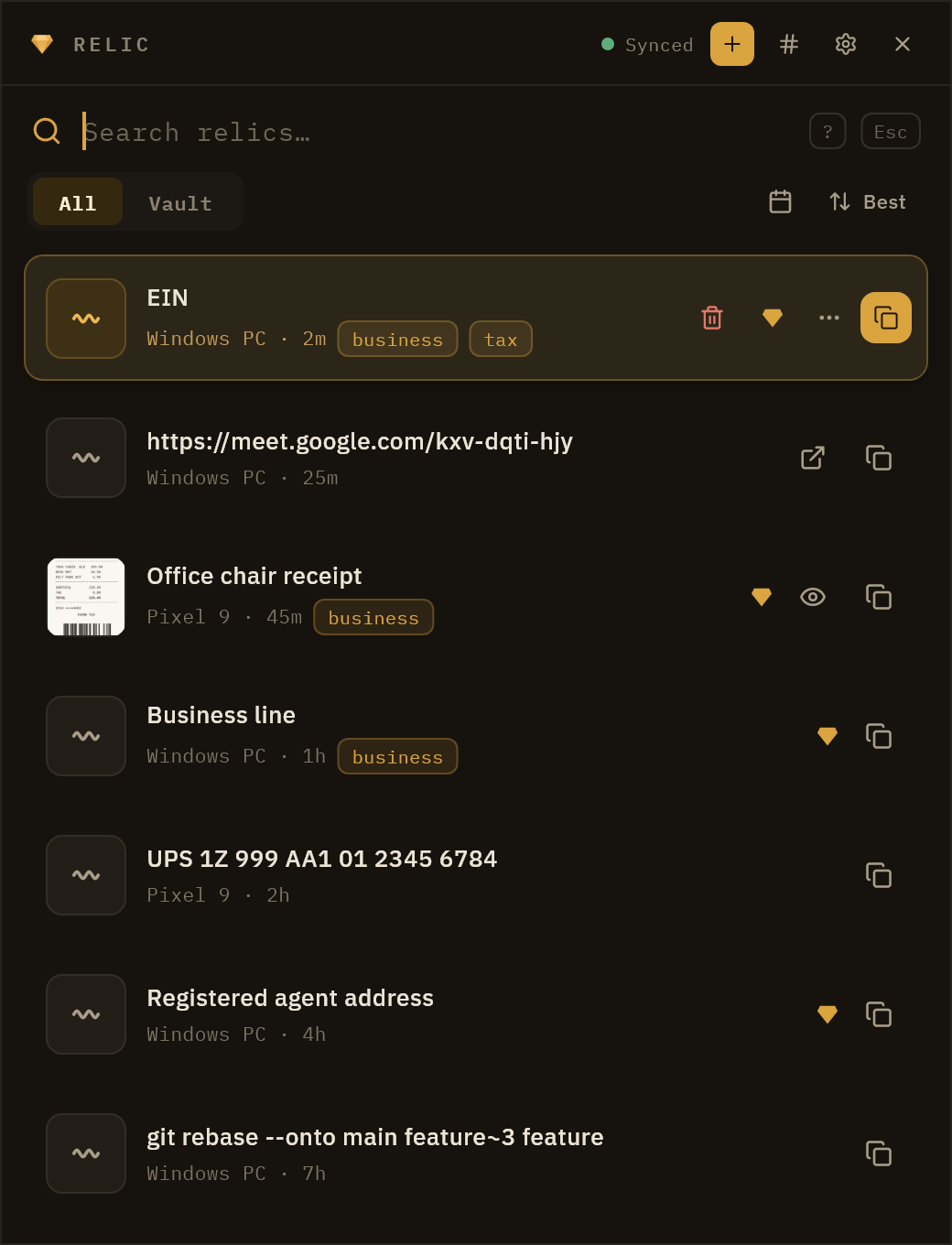
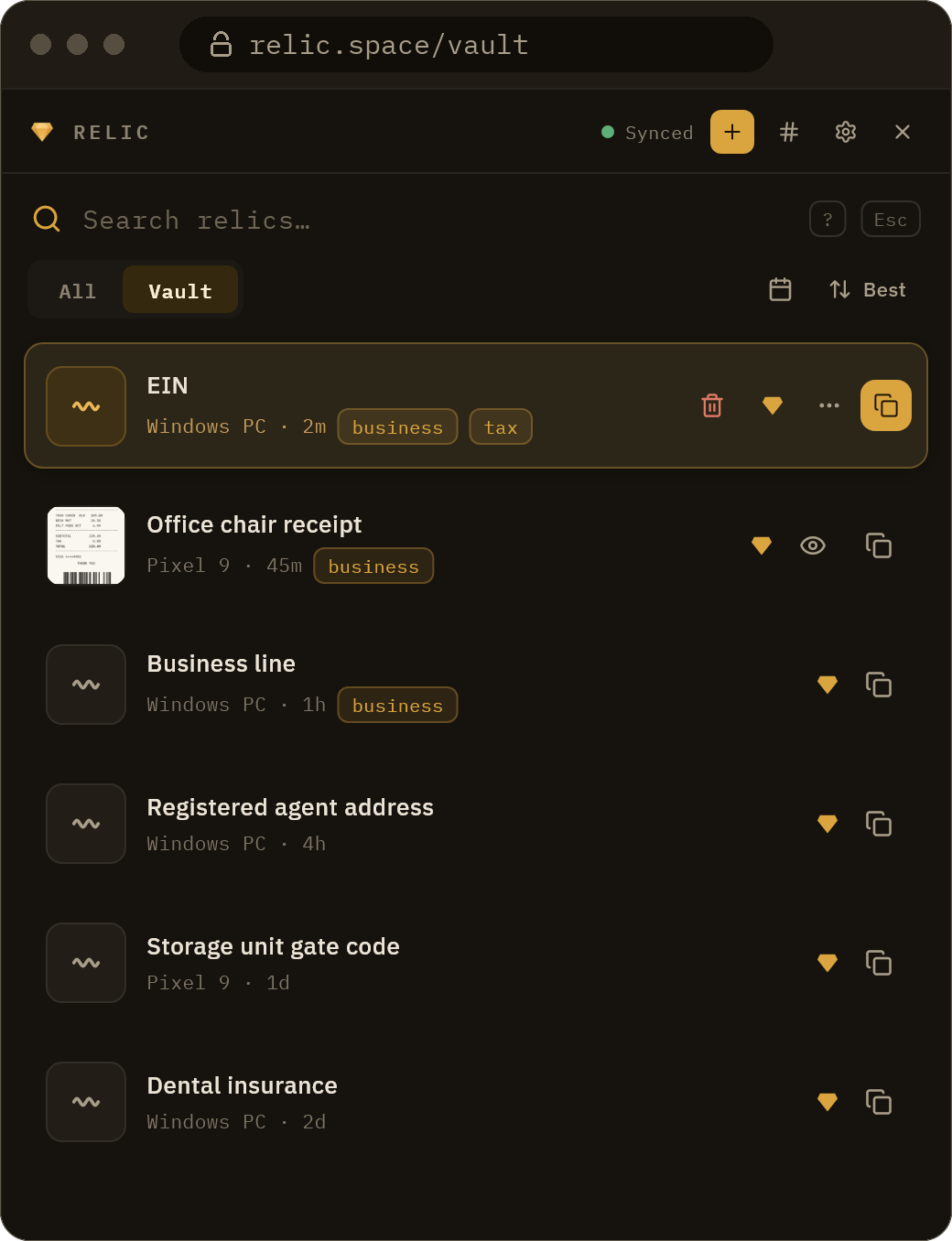
It saves everything, so you never have to.
The moment you copy, it is already kept and only you can read it. Relic works quietly in the background and never changes what you are about to paste.
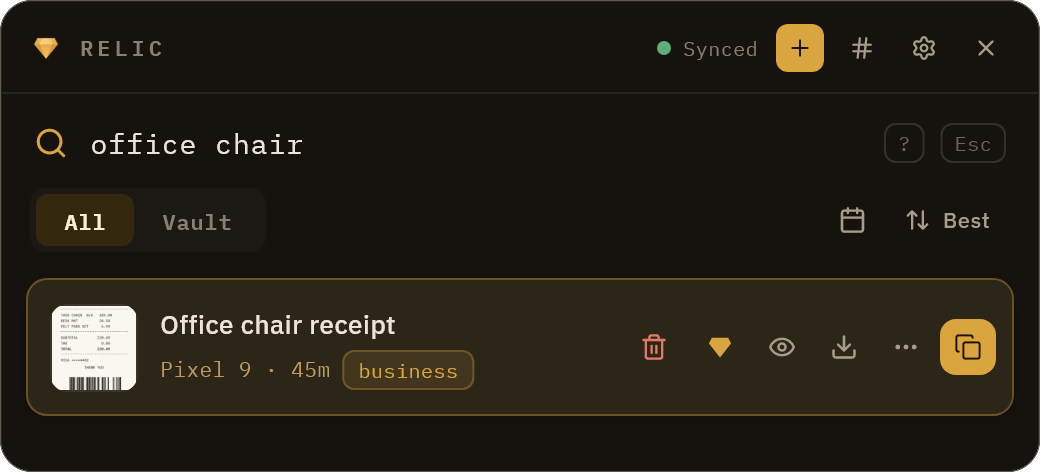
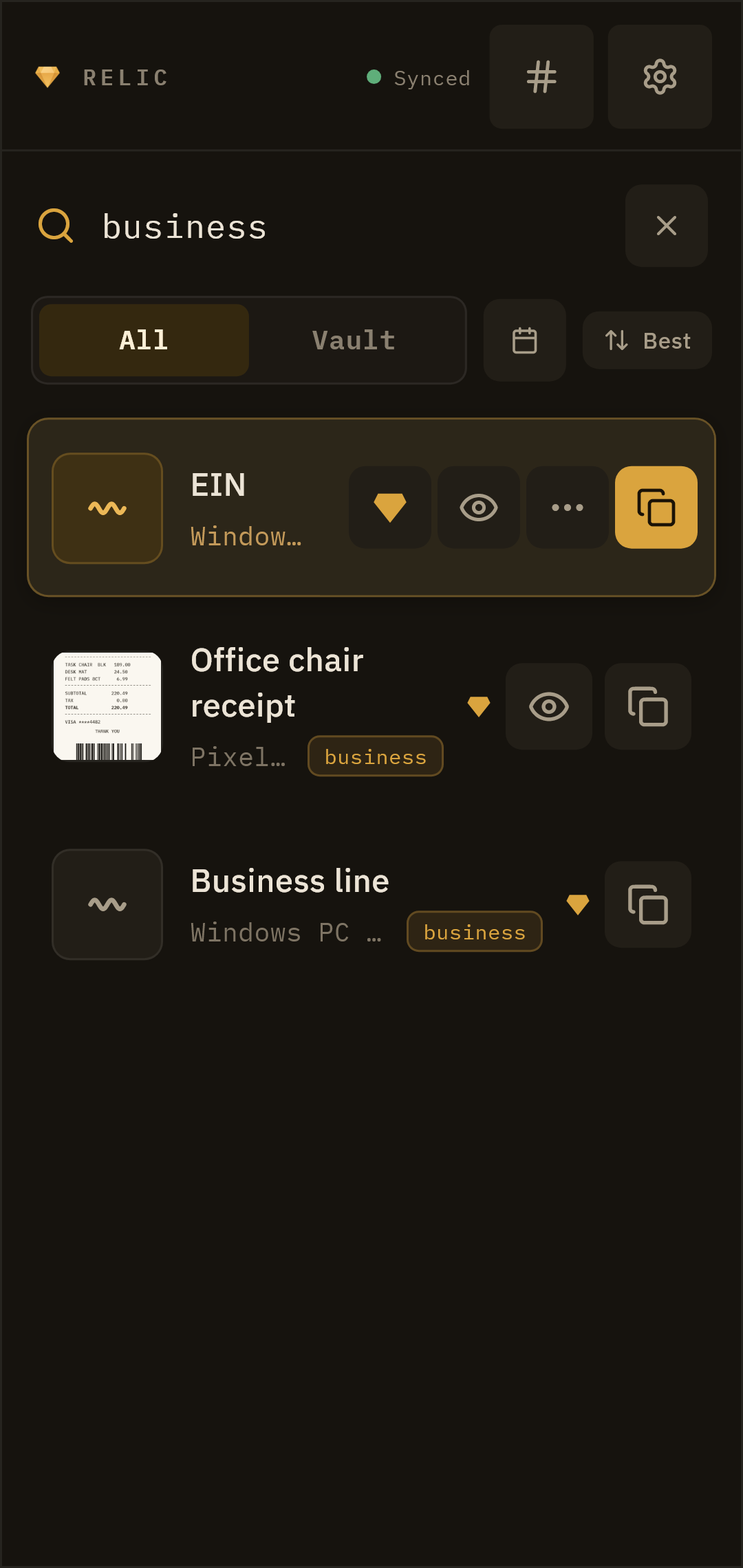
Find it by word, by meaning, or by the day.
Whatever you copied surfaces at once. Search runs over a local index on your own device, so it is instant and works offline.
Intelligence that runs on your machine.
Relic reads and sorts what you copy so you can recover it later just by describing it, and every bit of that runs locally. No cloud AI, ever.
Describes your images
A local caption model writes a sentence for each image, so you can search what a photo shows.
You stay in control
Toggle any part of it, and remove downloaded models to reclaim space.
As tidy as you want. As messy as you are.
Tag things, name them, keep the ones that matter. Or toss everything in and let search do the work.
Keep what matters
Promote anything to your vault and it is kept for good, never aged out.
A vault of everything, on every device.
Whatever you set up stays in sync, so a copy on one device shows up on the rest before you go looking for it. Or run the sync server yourself.
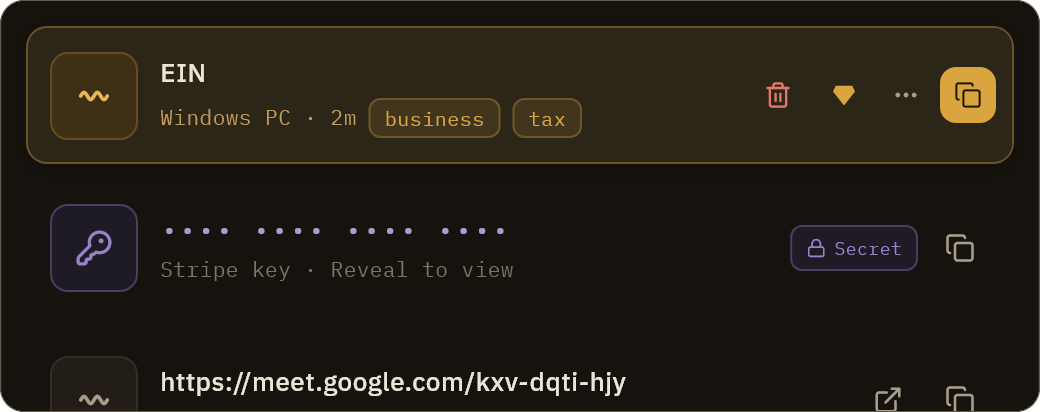
Private because we cannot read it.
Every relic is encrypted end-to-end with a key that never leaves your device. Relic stores only the encrypted form, so your history stays unreadable to everyone else.
The small things that add up.
The touches you only notice once you have them: fewer keystrokes, less mouse, and your history one shortcut away.
Summon it anywhere
A global hotkey opens your searchable history over whatever app you are in.
Quick-paste 1 to 5
Paste the Nth most recent item straight in, even one you copied on another device.
Drag it out
Drag any row into another app, or drop files in to save them to your vault.
Combine and paste
Select several items and paste them as one block, with a separator you pick.
Scriptable, self-hostable, and open where it counts.
A clipboard your terminal can read, a server you can run yourself, and the encryption published for anyone to check.
The relic CLI
Read and search your vault from the terminal, add items, and pipe results into anything.
Self-host the server
One Docker command runs the whole sync server on hardware you control.
Where Relic runs.
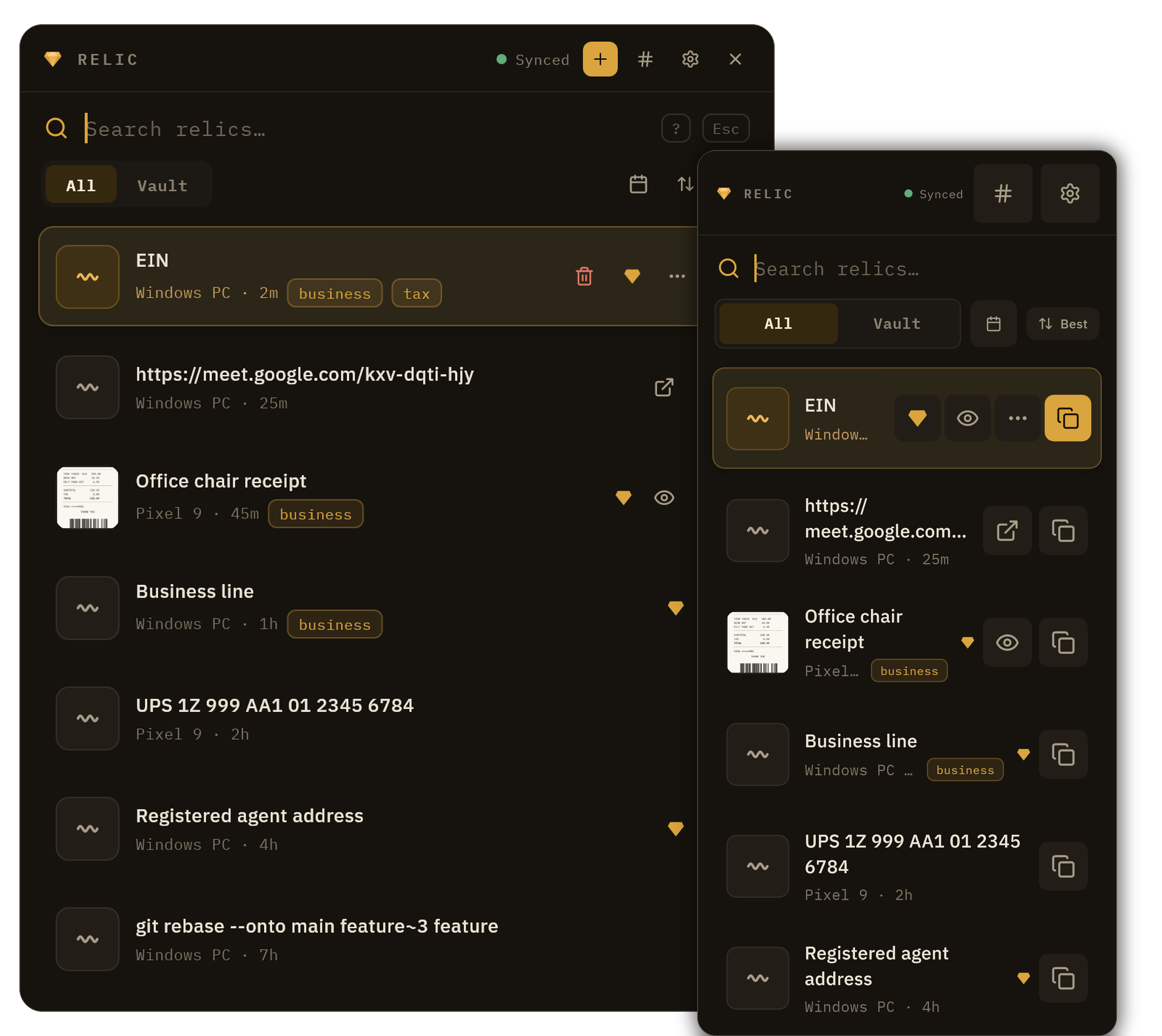
Windows, Mac, Linux, Android and iPhone are all live today, with the web vault in any browser.
Stop losing what you copy.
Works on all your devices · Only you can read it · Free to start
Windows, Mac, Linux, Android & iPhone · locked end-to-end